Find your style.
Mix hair, clothes and accessories. Choose the colors that make your Kin feel at home.

LITTLE COMPANIONS. BIG PERSONALITY.
Meet the little characters who make your everyday screen a little less ordinary. Let them hang out—or turn your next break into playtime.
Made for WindowsYour desktop is the playground
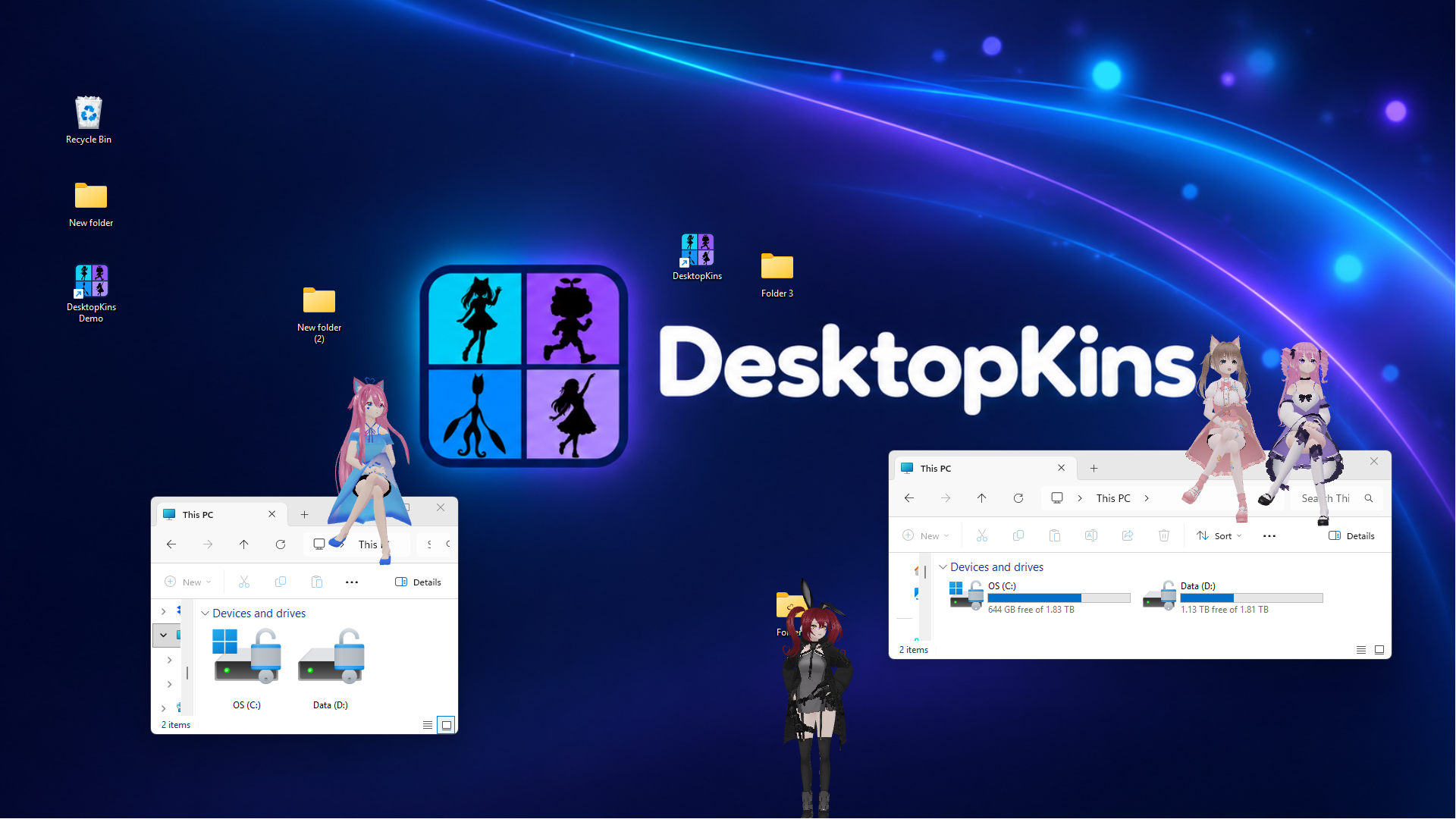
THE FREE DEMO IS HERE
Meet Nanami, Alien Teen, Leaf Boy, Pitcher Dude, and DesktopKin 1. Choose one companion at a time, customize DesktopKin 1 in Avatar Editor, and turn your next break into playtime.
The Demo is free. Any contribution on itch.io is optional; choose “No thanks, just take me to the downloads” to continue for free.
External VRM / FBX imports and DesktopKins 2–4 are reserved for Full. See Demo details.
Screenshots and footage show an earlier Full-version build. The current Demo includes five selectable companions, DesktopKin 1’s Avatar Editor, and one active companion at a time. External VRM imports are Full-only. Some avatars shown are no longer included.
NOT ANOTHER WINDOW TO KEEP OPEN.
They sit on your windows, react to a click, find their rhythm, and keep you company while you do your thing. When it’s time for a break, your desktop is already the place to be.
FROM COZY TO A LITTLE CHAOTIC
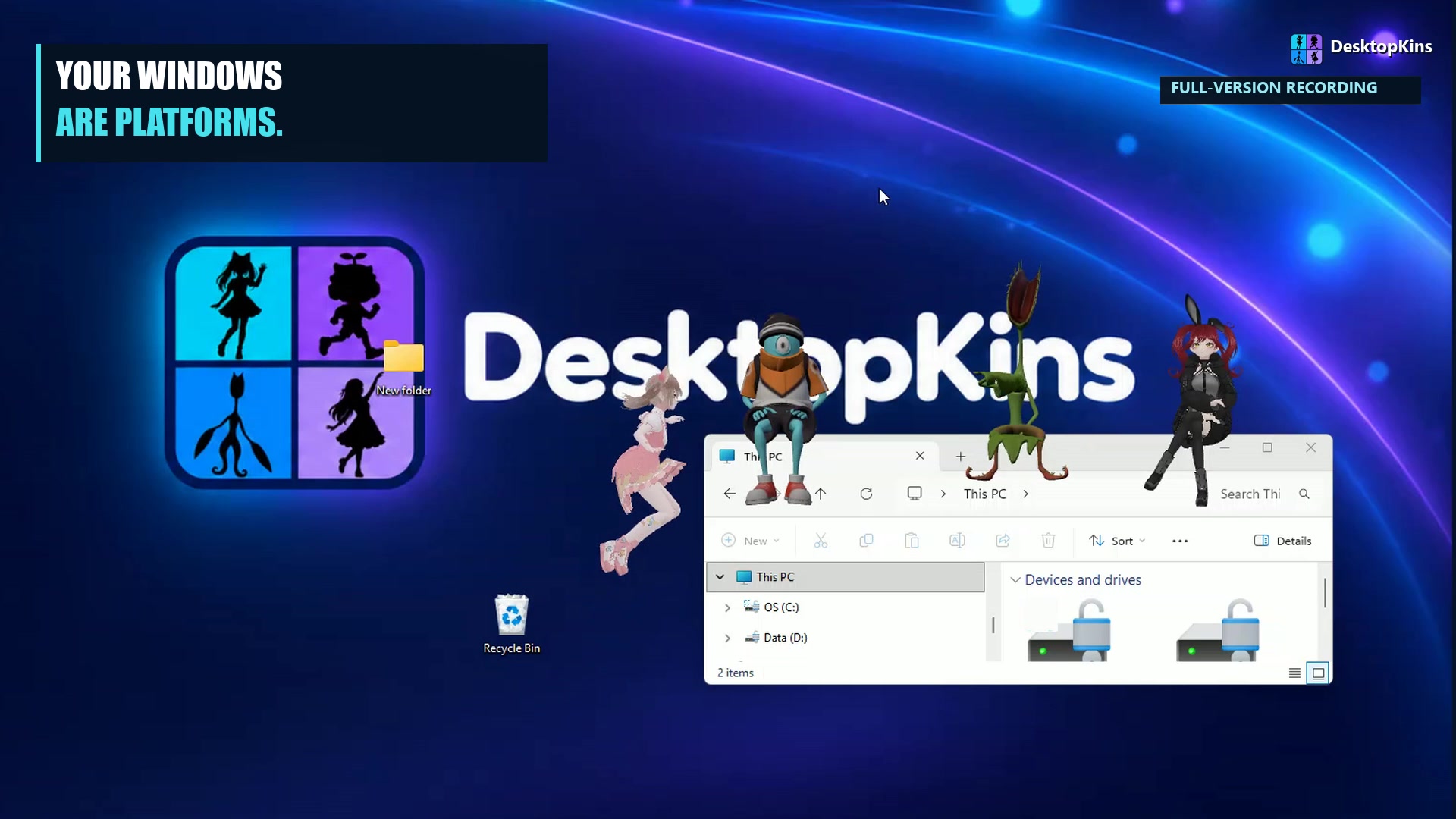 RECORDED GAMEPLAY
Take the controls and find a route across your desktop. Jump to icons, climb exposed window edges, and hang out at the very top of your screen.
Included in Full & Demo
Grab groceries. Avoid falling furniture. Keep those three hearts.
Ladders, platforms, and a five-minute climb to the summit.
A clown, a chase, and a very personal pie-throwing showdown.
A BREAK WORTH TAKING
Recorded from an earlier Full-version build. The Demo has one active companion and Dodge Level 1; levels 2 & 3 are Full-only. Some avatars shown are no longer included.
A LITTLE CHARACTER. ALL YOUR OWN.
AVATAR EDITOR · TRY IT IN THE DEMO
DesktopKins Avatar Editor brings a personal touch to your desktop. Start with DesktopKin 1 in the free Demo, then find the look that feels like you.
DesktopKin 1’s Avatar Editor is included in the Demo. Full includes all four editable DesktopKins.
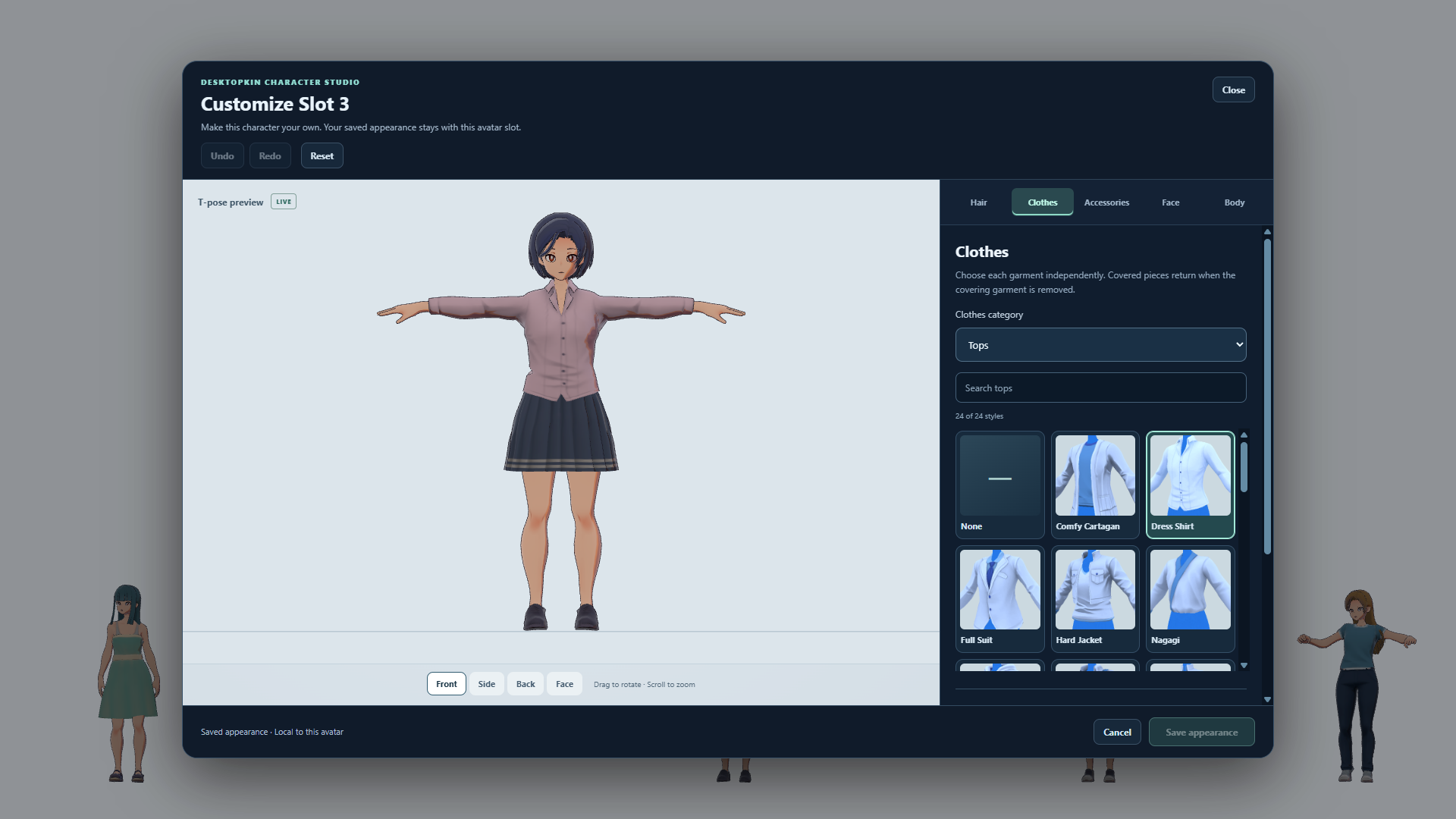
Mix hair, clothes and accessories. Choose the colors that make your Kin feel at home.
Adjust face and body details on the four editable DesktopKins. Try a look, undo it, and try another.
Save an appearance for each avatar slot and bring your character back to your desktop.
FIND YOUR KIND OF COMPANY
Try five companions in the Demo, including editable DesktopKin 1. Full brings 11 library avatars and all four editable DesktopKins.
11 library avatars + 4 editable Kins in Full
Try DesktopKin 1 in the Demo. All four editable starting looks are included in Full.


Four familiar faces, each with a style of their own.
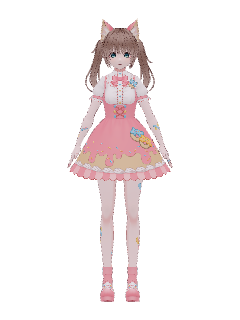
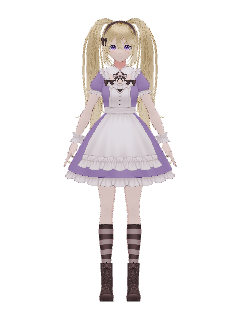
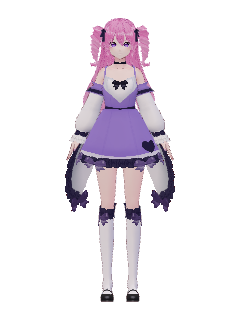
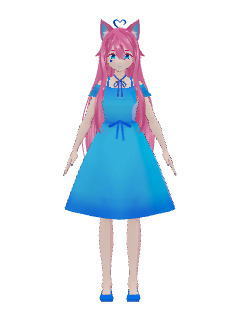
A leafy friend, an alien teen, and a very unusual plant.
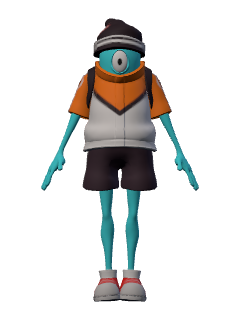
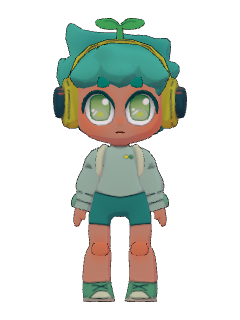
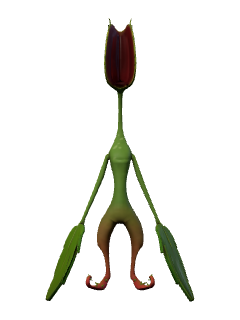
Everyday characters for a little company on your desktop.
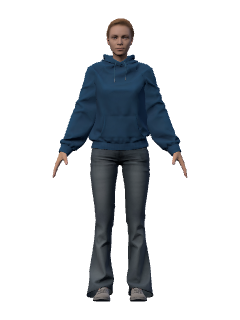
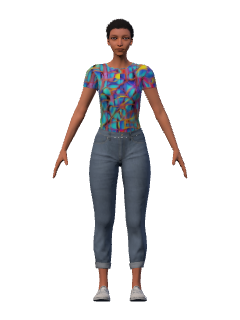
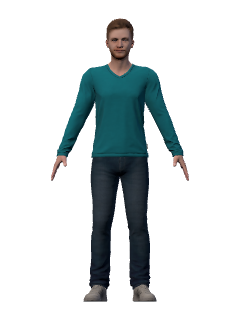
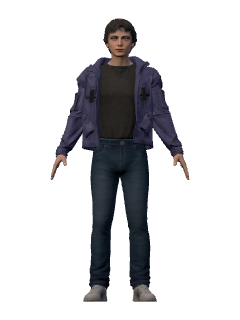
Import a compatible VRM or Mixamo FBX model in Full. Make it part of your crew.
DesktopKin 1 is editable in the Demo; all four DesktopKins are editable in Full. Library characters include models from Dahlia, OSA Gallery, and VTubeMe. Avatar credits & sources.
AS MUCH COMPANY AS YOU LIKE
Some days call for a dance party. Some days, just a quiet companion. The settings put you in charge.
Explore the settingsChoose Masculine, Feminine, Kawaii, or Not human behavior. Adjust size and motion energy for each avatar.
Control reaction sounds and game effects. Hide individual avatars or tuck the whole app into the tray.
Set an alarm for your next break. Snooze for five minutes, or stop it and get back to your day.
START SMALL. MAKE ROOM FOR MORE.
One playful idea. Two ways to meet your Kins. Download the free Demo or visit Steam to explore Full.
| What’s included | DemoA little introduction | FullThe whole crew |
|---|---|---|
| Avatars on screen | 1 at a time | Up to 4 at a time |
| Included avatar choices | 5 selected avatars | 11 library avatars + 4 editable DesktopKins |
| DesktopKins Avatar Editor | DesktopKin 1 | DesktopKins 1–4 |
| Custom VRM / FBX imports | Not included | Included |
| Desktop Parkour | Included | Included |
| Play Dodge | Level 1 | All 3 levels |
| Play Soccer | Solo avatar play | Solo or your visible crew |
| Dance, music & alarm | Included | Included |
| Size, behavior & energy | Adjustable | Adjustable per avatar |
The Demo includes DesktopKin 1 and its Avatar Editor. DesktopKins 2–4 and external model imports require Full. Editor customizations apply to the editable DesktopKins. Soccer is a local desktop activity with your avatars, not online multiplayer.
A little of both. Let your avatars keep you company while you work, then take control for Parkour, try a Soccer kickabout, or play Dodge. You don’t need a game running to enjoy your companions.
Yes, in Full. Import a compatible humanoid VRM or Mixamo FBX model, including external textures when needed. Rigging and model quality affect the results. Your original model files stay yours; make sure you have permission to use them.
Yes. The free Demo includes DesktopKin 1’s Avatar Editor. Customize hair, clothing, accessories, colors, face and body details, then save the appearance for your companion. Full includes all four editable DesktopKins. External VRM / FBX imports are available in Full only.
Desktop surfaces use local window and icon geometry, not file contents. Activity awareness can use the foreground app/window title and overall activity signals, not typed text or document contents. Music rhythm analysis runs on-device without saving, sending, or transcribing the audio. You can switch these controls off in Settings. Read the details.
Icon pushing is a separate setting in Play Parkour. When enabled, avatars can move actual icon positions; icon awareness alone does not grant that permission. Check the setting if you want positions to stay fixed. File contents are unchanged.
The current DesktopKins app is for Windows, using mouse and keyboard controls. This website does not promise Mac, Linux, or controller support. The manual lists the keys for each activity.
The current activities are local to your desktop. Several avatars playing Soccer together is not online multiplayer. We’re not advertising online play as an available feature.